https://app.bestvideotranscriptapi.com/mcp (Streamable HTTP)
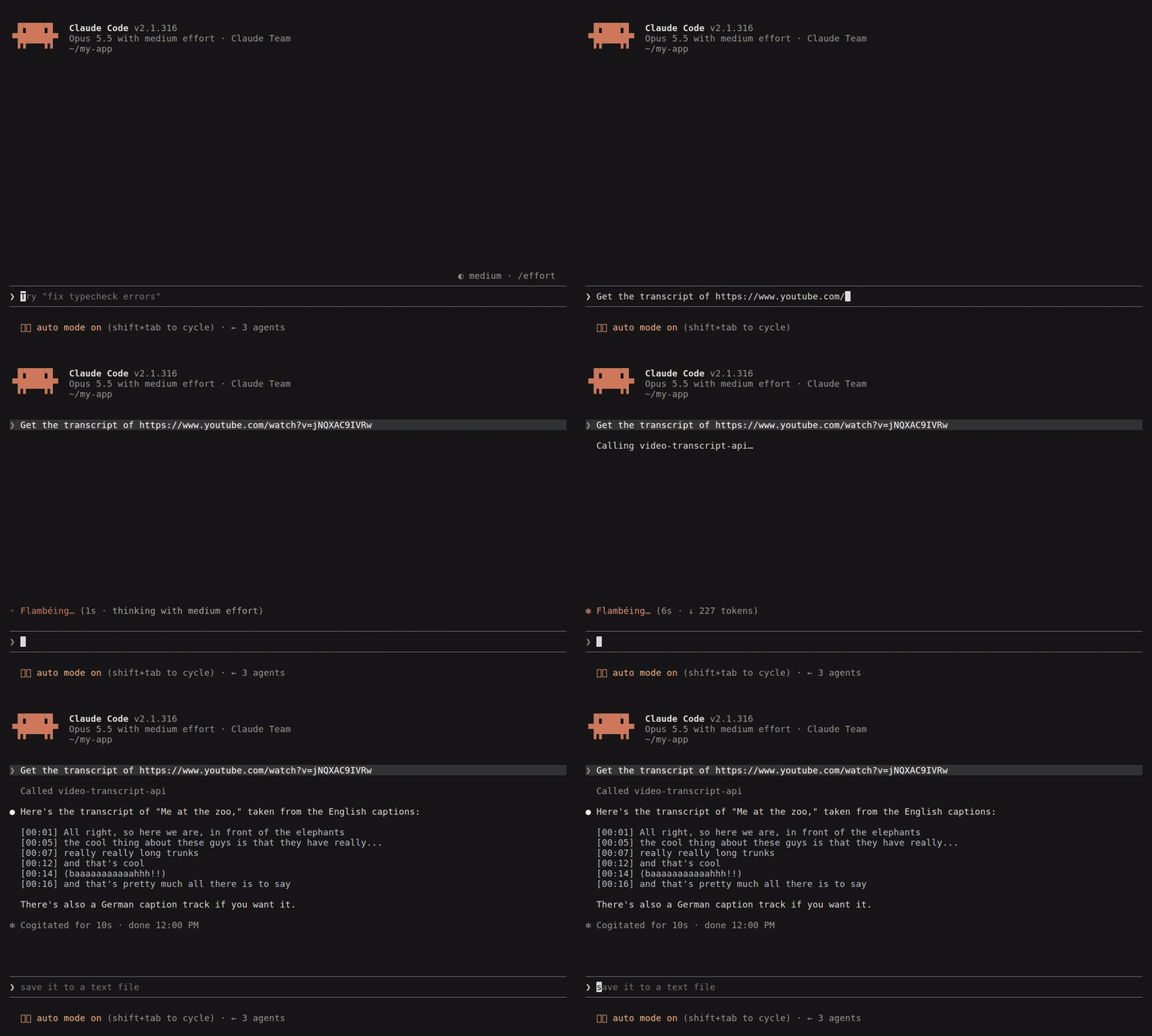
Claude Code fetching a transcript over MCP
Sign-in
Connect a client
- Claude Code
- Cursor and others
- claude.ai and ChatGPT
Tools
get_transcript
The
text format starts with a language line:
[hh:mm:ss]. If the transcript takes more than 25 seconds, the tool returns a job ID and tells the agent to call get_transcript_status.
get_transcript_status
TakesjobId and an optional format. Returns the transcript when it’s done, or the current status (queued or active) while it runs.
create_upload
Takes no arguments. Returns acurl command that uploads the file, and the url to pass to get_transcript. See Uploading files for how long the links last.